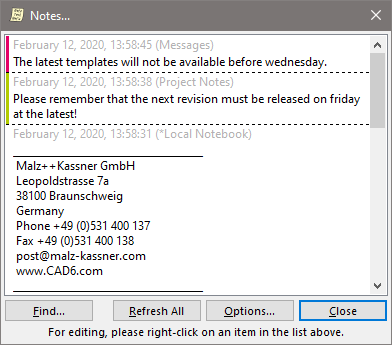
"Notes" Dialog
|
|
"Notes" Dialog |
www.CAD6.com |
|
How can I access information on this dialog?
The following commands are available by right-clicking into the notes list:
Edit Edit the select note. A dialog appears in which the text of the note is edited.
Delete Deletes the selected notes. This action has to be confirmed.
New Creates a new note. A dialog appears in which the target notebook is chosen and the text of the note entered.
Sorting The commands in this submenu can be used to sort the notes in different ways.
There are three different locations where notes can be stored:
|
CAD6studio Release 2026.1 - Copyright 2026 Malz++Kassner® GmbH